Missed call text back: 10 ways contractors stop losing the calls they miss
A missed call text back sends an automatic text to anyone whose call you could not answer, so the customer hears from you before they dial the next business. Here is what the text should say, how fast it should go out, and when an AI receptionist that answers every call is the better fix for contractors who miss calls on the job.
- One business of each type per area
- No contract
- Nothing changes without your approval
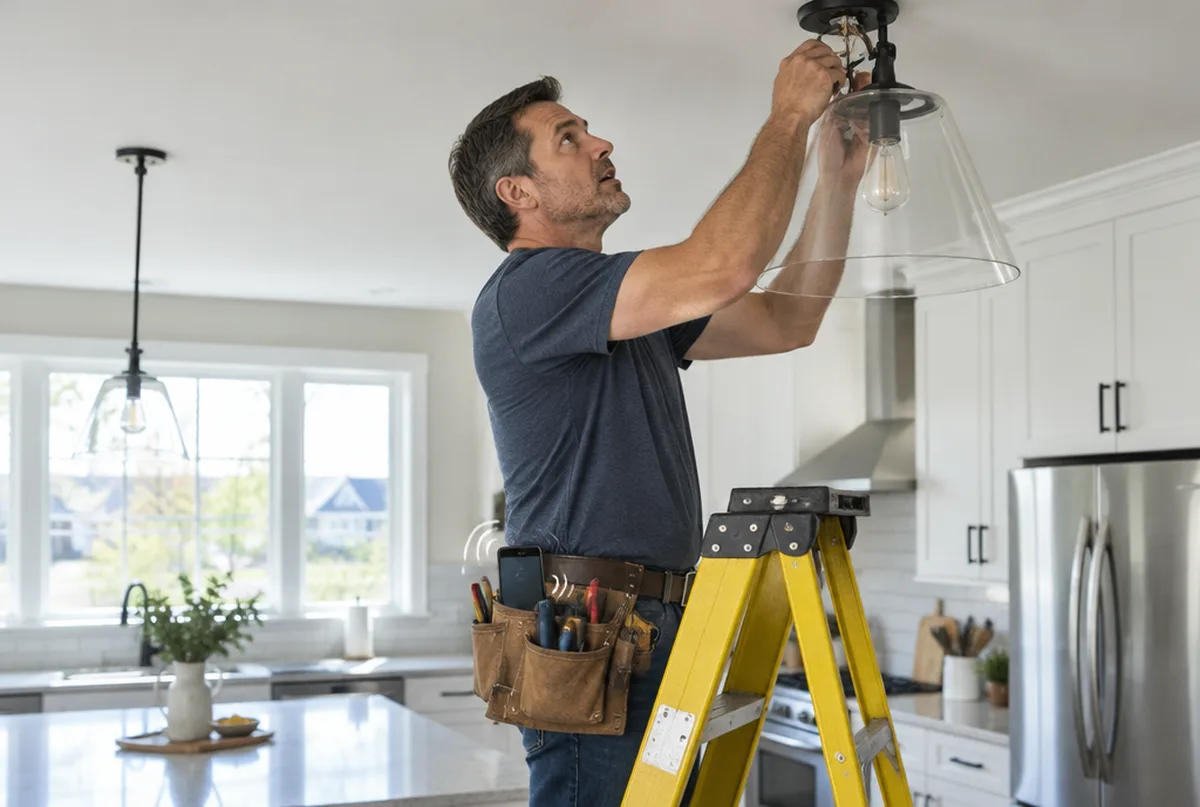
10 missed call text back lessons for contractors, and what we do about each
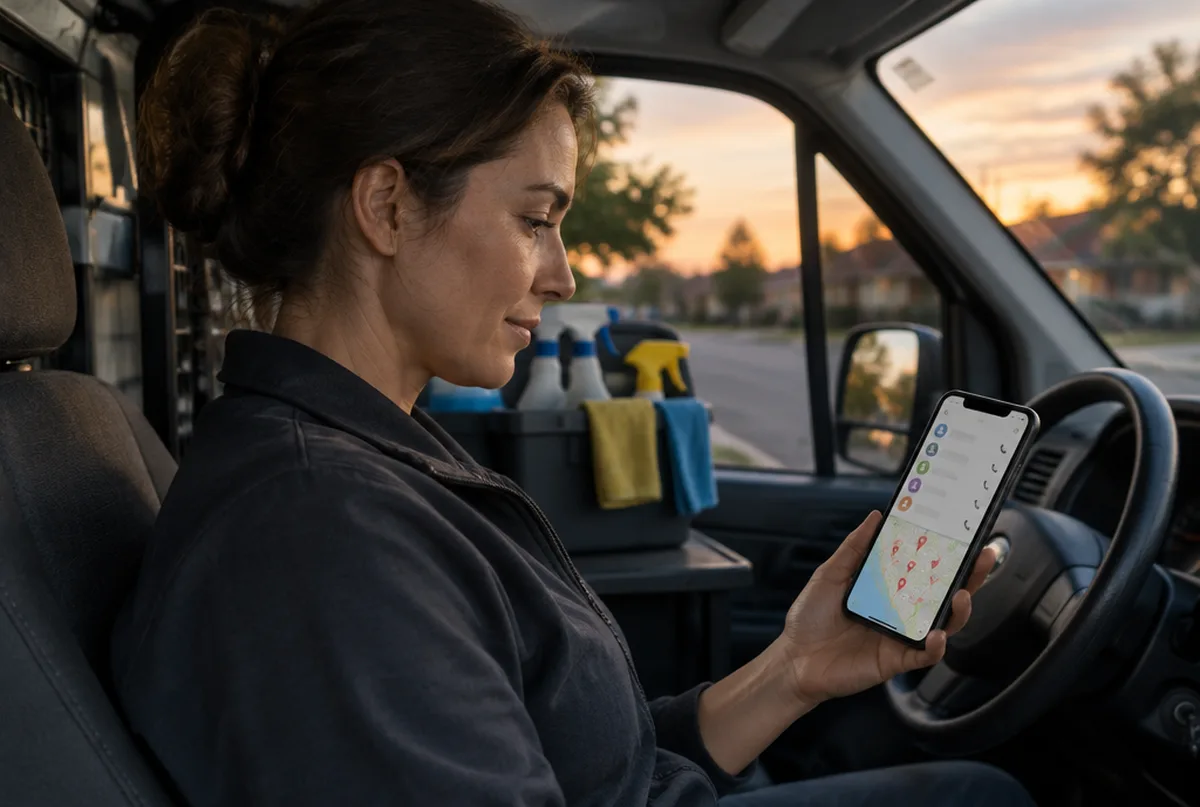
Every missed call is a customer deciding.
When nobody answers, customers often call the next business on the list. A homeowner with a leak, a broken door or a full garage rarely waits around for a callback.
What we do: we set up an automatic text to anyone whose call was missed, alongside our AI receptionist, so the caller hears from you right away.
The text has to go out right away.
A missed call text back that arrives moments after the call reaches the customer while the phone is still in their hand. A callback an hour later can land after they have already booked someone else.
What we do: we set the text to send on its own as soon as a call is missed, so nobody at your shop has to remember to press send.
Say who you are in the first line.
The caller may have dialed three businesses in a row. Start the text with your business name so they know exactly who is writing back.
What we do: we write the text with your business name up front, in plain language, and it goes live only after you approve the wording.
Ask one simple question.
A good missed call text back for contractors asks what the job is and where it is. Something like "This is [your business], sorry we missed your call. What do you need done, and what town are you in?" is easy to answer from a phone.
What we do: we draft a short text for your trade with one clear question, and you can change any word before it goes out.
Promise only a callback time you can keep.
Do not text "we will call you in five minutes" if your crew is on a roof until dark. A real window, like later today or first thing tomorrow, builds trust when you keep it.
What we do: we write the callback line around your real hours, so the text never promises a time your team cannot meet.
A text back is a backup, not an answer.
A text only helps if the customer replies. Many callers want to know right now whether you do their kind of job or cover their town, and a text cannot tell them.
What we do: we set up the AI receptionist, which answers every call on the first ring, day or night, talks with callers like a real person and answers questions about your services.
How the AI receptionist answers every callSome contractors need answering, not texting.
If you miss calls after hours, on weekends or every time you are on a job, a text back still leaves the caller waiting for you. An AI receptionist picks up instead and collects the caller's name, number and what they need.
What we do: we set up the AI receptionist with a customized voice trained on your business, and add missed call text back alongside it if you want both.
Your Google profile has to show the right number.
Calls you never get cost more than calls you miss. We find Google profiles with an old phone number, a line nobody checks or a website link that goes nowhere.
What we do: we check the phone number, hours and website link on your Google Business Profile, fix them after you approve, and run a weekly profile check that catches unwanted changes.
Your hours on Google should match reality.
A profile that says open when nobody can help leaves customers frustrated. Google can also show your hours right next to your name in search, so customers read them before they call.
What we do: we set your profile hours to match when your business serves customers, and update holiday hours with you so callers are not surprised.
You cannot fix what you do not count.
Most owners guess how many calls they miss each week. A list of every call, with the time and what the caller wanted, shows which hours and days need coverage.
What we do: we give you the AI receptionist dashboard of every call, and your monthly update shows calls and clicks from your Google profile next to your 49 point map rescan.
Before customers can call, they have to find you
We sign mutual NDAs with our clients, so we describe the work instead of naming the business.
Every business and market is different. We do not promise rankings. We show you the same map every month so you can see what changed.
Why contractors trust us with their calls and their map
- One business of each type per service area. We will not work for your direct competitor in the same towns.
- Google Business Profiles and Google Maps are what we focus on, not a menu of everything.
- You see the proof: a 49 point map of your area before we start, and the same map every month after.
- Nothing changes on your profile without your written approval, and you stay the owner of it.
- No contract. Stay because it is working.
What you get every month
- A 49 point Google Maps scan of your service area before we start
- Profile fixes: categories, services, description, service area, hours, attributes and booking or quote links
- One post a week plus up to three photos from your work, approved by you
- Suggested replies to new reviews, posted only after you approve
- A weekly profile check that catches changes Google or anyone else makes
- A monthly rescan on the same 49 points, with a plain update on your map, calls and clicks from Google, what we did and what comes next
Pricing comes with your scan. Request your map scan at no cost and we will send your map, a short video walkthrough and pricing together.
Get my map scanMore Google Business Profile guides
Profile setup and fixes
- Google Business Profile optimization
- Google Business Profile verification
- Google Business Profile suspended
- Add your business to Google Maps
- Claim your business on Google
- Service area business on Google
- Duplicate Google Business listing
- Google Business listing changed
- Add a manager to Google Business Profile
- Google Business Profile categories
- Change business address on Google
- Delete Google Business Profile
- Google Business Profile posts
- Google Business Profile photo size
Reviews
Rankings, Maps and leads
Common questions
Keep the calls you already earned.
Send us your business and the towns you want customers from. We will run your 49 point map scan and send your map, a short video walkthrough and pricing together.
- 1.We run your map scan and look at your profile and search results.
- 2.You get a short note with what we would fix first.
- 3.If it makes sense, we set it up on a 15 minute call.