Service area business on Google: 10 steps to set it up right and show up where you work
If you drive to your customers, Google wants your address hidden and your service area listed instead. Getting it wrong can cost you calls or get the profile suspended. Here is how a service area business should be set up.
- One business of each type per area
- No contract
- Nothing changes without your approval
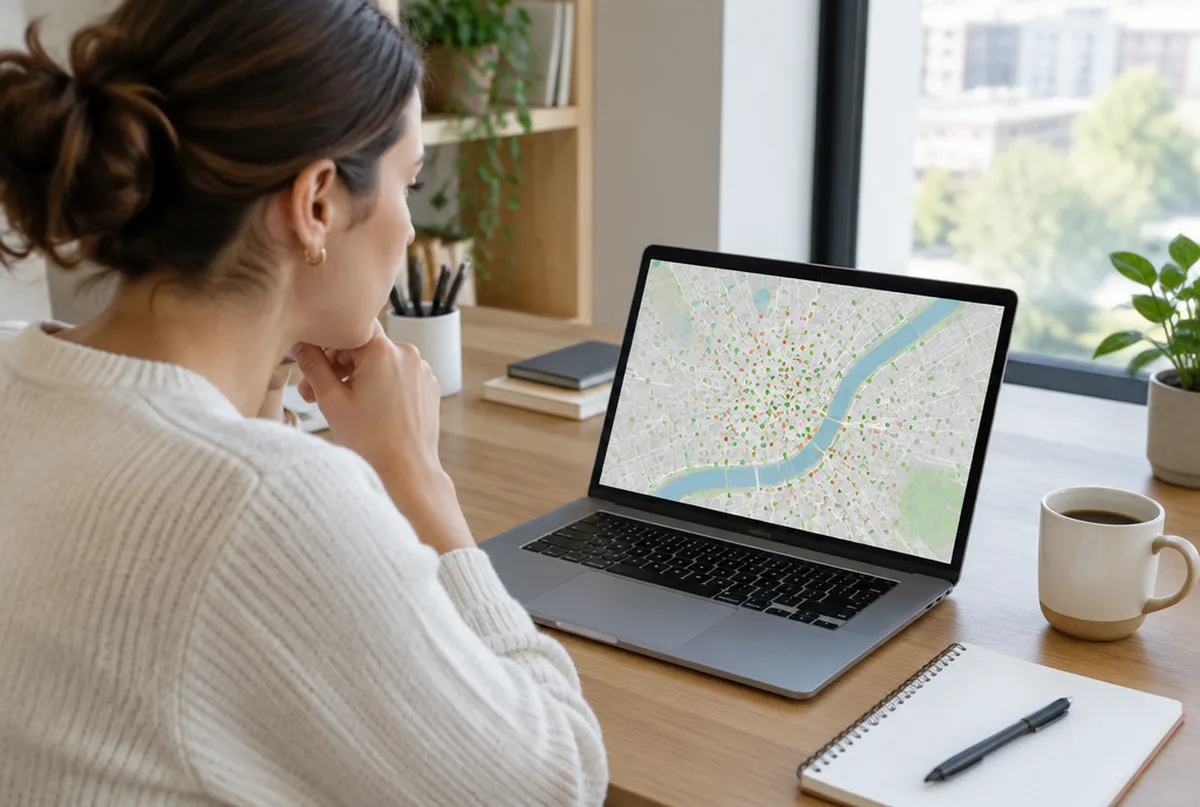
10 steps to set up a service area business on Google

Decide which kind of business you are.
If customers come to you during your hours, you are a storefront. If you go to them, you are a service area business. Some businesses are both, such as a shop that also does house calls.
What we do: we look at how you actually work and set the profile to match.
Hide your address if customers do not visit.
A home address shown on the map for a business customers do not visit breaks Google's rules and is a common reason for suspensions.
What we do: we hide the address and confirm it is not showing anywhere on the listing.
You still need a real address behind the scenes.
Google uses your address to verify the business and to decide where you are, even when it is hidden. Virtual offices and PO boxes are not allowed.
What we do: we check your address is one Google accepts before anything else is changed.
Google Business Profile suspended: what to doList up to 20 service areas.
Google lets you add up to 20 service areas, such as towns, cities or ZIP codes. Its guidance is that the area should not reach more than about two hours of driving from your base.
What we do: we set up to 20 towns you actually want calls from, chosen with you.
Use towns, not a giant region.
Listing a whole state or a huge county tells customers very little. Specific towns read better and match how people search.
What we do: we pick named towns and skip duplicate or overlapping entries.
Know what the service area does not do.
Adding a town does not make you rank there. Distance from your verified location is still one of the three things Google uses to rank the map, along with relevance and prominence.
What we do: we explain this up front, so you know what to expect in each town.
Win outlying towns with relevance and prominence.
A complete profile, the right categories, steady reviews and a website with real pages for the towns you serve widen the area where you show up.
What we do: we work on the categories, services, reviews and website pages that move the map.
How to rank higher on Google MapsMatch your website to your service area.
Your website should name the towns you serve in plain words. When the profile and the website agree, Google and AI assistants have an easier time trusting both.
What we do: we tell you which town and service pages your website is missing.
Do not open extra listings for other towns.
A second listing at a fake or shared address to rank in another town breaks the rules and risks both listings.
What we do: we keep you on one listing per real location and advise against workarounds.
Measure town by town.
One rank number from your own driveway says nothing about the next town over. You need to see the whole area.
What we do: we run a 49 point map scan across your area before we start and every month after.
Real service area fixes
We sign mutual NDAs with our clients, so we describe the work instead of naming the business.
Every business and market is different. We do not promise rankings. We show you the same map every month so you can see what changed.
Why service businesses hand us their setup
- One business of each type per service area. We will not work for your direct competitor in the same towns.
- Google Business Profiles and Google Maps are what we focus on, not a menu of everything.
- You see the proof: a 49 point map of your area before we start, and the same map every month after.
- Nothing changes on your profile without your written approval, and you stay the owner of it.
- No contract. Stay because it is working.
What you get every month
- A 49 point Google Maps scan of your service area before we start
- Profile fixes: categories, services, description, service area, hours, attributes and booking or quote links
- One post a week plus up to three photos from your work, approved by you
- Suggested replies to new reviews, posted only after you approve
- A weekly profile check that catches changes Google or anyone else makes
- A monthly rescan on the same 49 points, with a plain update on your map, calls and clicks from Google, what we did and what comes next
Pricing comes with your scan. Request your map scan at no cost and we will send your map, a short video walkthrough and pricing together.
Get my map scanMore Google Business Profile guides
- Google Business Profile optimization
- Google review management
- Get more Google reviews
- Google Business Profile verification
- Google review replies
- Local SEO for small business
- Google Business Profile suspended
- Add your business to Google Maps
- Claim your business on Google
- Duplicate Google Business listing
- Google Business listing changed
Common questions
See where you show up across your service area.
Send us your business and the towns you want customers from. We will run your 49 point map scan and send your map, a short video walkthrough and pricing together.
- 1.We run your map scan and look at your profile and search results.
- 2.You get a short note with what we would fix first.
- 3.If it makes sense, we set it up on a 15 minute call.