Your Google review link and QR code: 10 ways small businesses get more Google reviews
Most happy customers never leave a review because nobody makes it easy. Your Google review link takes them straight to the review box, and a QR code puts that link on a card, a truck or an invoice. Here is how to find it and the ways we put it to work.
- One business of each type per area
- No contract
- Nothing changes without your approval
10 ways to use your Google review link to get more reviews
Find your review link in your Business Profile.
Signed in as the owner, search for your business on Google or open your profile, then choose Ask for reviews or Get more reviews. Google gives you a short link that opens the review box for your business.
What we do: we pull the correct link from your profile and test it on a phone and a computer before you use it anywhere.
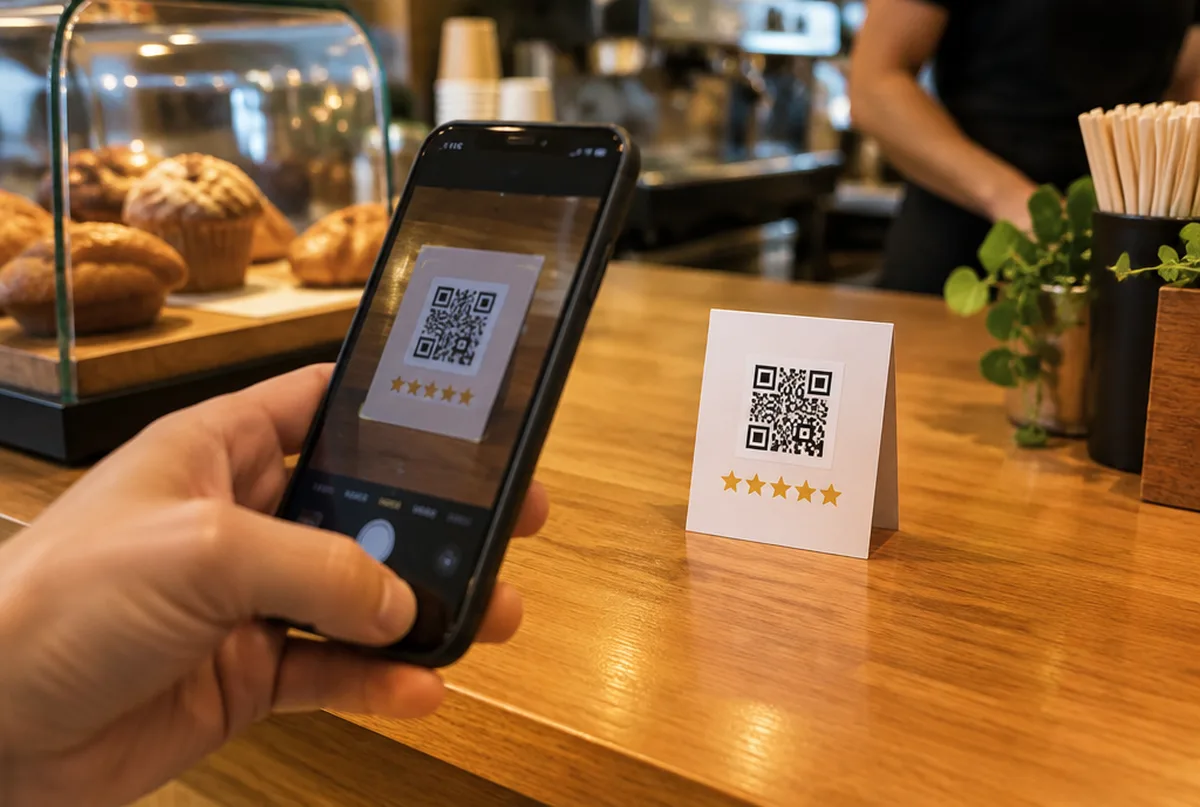
Turn it into a QR code.
A QR code lets a customer leave a review by pointing a phone camera at it, with no typing. Google's own Ask for reviews screen can also share the link, and any QR code maker can turn the link into a code.
What we do: we make a clean QR code from your review link, sized for cards, stickers and invoices.
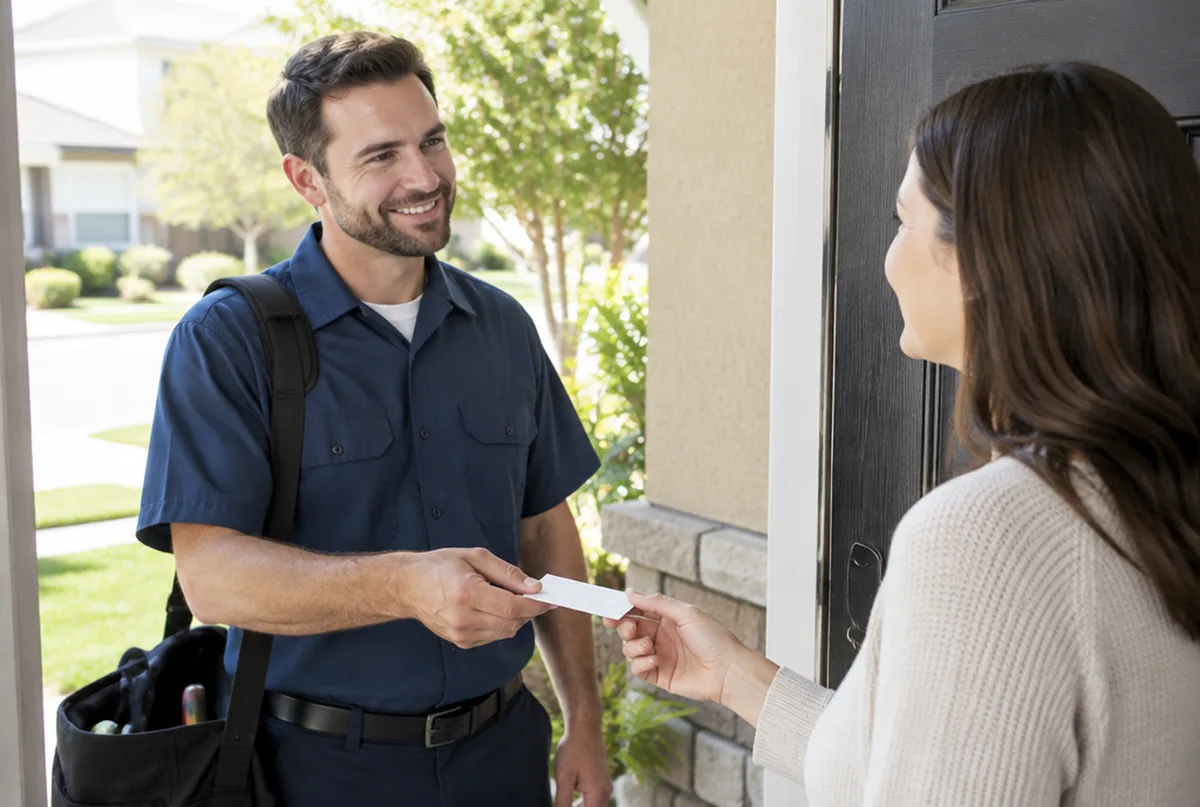
Ask at the moment the job is done.
The best time to ask is when the customer is happiest: the leak is fixed, the move is finished, the yard looks great. A day later the moment has passed.
What we do: we help you build a one line ask your crew can say at the end of every job.
Send the link by text, not just email.
Texts get opened. A short message with the customer's name, a thank you and your review link gets more reviews than a long email.
What we do: we write a short text template in your voice with your link already in it.
Put the code where customers already look.
Invoices, receipts, the back of a business card, a leave behind on the counter, a magnet on the fridge and the side of the truck all work.
What we do: we lay out a simple review card and invoice line you can print.
Ask every customer, not just the happy ones.
Google does not allow review gating, which means only asking customers you expect to be happy or filtering people before they reach Google. It can get reviews taken down.
What we do: we keep your review routine inside Google's rules, so the reviews you earn stay on your profile.
Never pay or trade for reviews.
Discounts, gift cards or entries in a drawing in exchange for reviews break Google's rules and can get reviews removed or a warning added to your profile.
What we do: we focus on asking more often and making it easier, which is what actually moves the count.
Ask customers to mention the job and the town.
You cannot script a review, but you can say "if you mention what we did for you, it helps neighbors find us." Reviews that name the service and the area are more useful to the next customer.
What we do: we add that line to your ask and your text template.
Reply to every review you get.
Customers notice when the owner replies, and it encourages the next person to leave one. A reply also lets you thank people by name.
What we do: we draft a reply to every new review in your voice and post it after you approve.
How to respond to Google reviewsWatch the count and the map together.
More reviews help, but they do not win the map on their own. We have scanned businesses with hundreds of reviews that barely showed up because of a wrong category or pin.
What we do: we track your review count and rescan your map every month, so you see both moving.
Google Business Profile optimization checklist
Real results from real Google Business Profiles
We sign mutual NDAs with our clients, so we describe the work instead of naming the business.
Every business and market is different. We do not promise rankings. We show you the same map every month so you can see what changed.
Why owners hand us their Google reviews and profile
- One business of each type per service area. We will not work for your direct competitor in the same towns.
- Google Business Profiles and Google Maps are what we focus on, not a menu of everything.
- You see the proof: a 49 point map of your area before we start, and the same map every month after.
- Nothing changes on your profile without your written approval, and you stay the owner of it.
- No contract. Stay because it is working.
What you get every month
- A 49 point Google Maps scan of your service area before we start
- Profile fixes: categories, services, description, service area, hours, attributes and booking or quote links
- One post a week plus up to three photos from your work, approved by you
- Suggested replies to new reviews, posted only after you approve
- A weekly profile check that catches changes Google or anyone else makes
- A monthly rescan on the same 49 points, with a plain update on your map, calls and clicks from Google, what we did and what comes next
Pricing comes with your scan. Request your map scan at no cost and we will send your map, a short video walkthrough and pricing together.
Get my map scanMore Google Business Profile guides
Common questions
See how your reviews stack up on the map.
Send us your business and the towns you want customers from. We will run your 49 point map scan and send your map, a short video walkthrough and pricing together.
- 1.We run your map scan and look at your profile and search results.
- 2.You get a short note with what we would fix first.
- 3.If it makes sense, we set it up on a 15 minute call.