Google Business Profile verification: 10 steps to get verified and showing on the map
An unverified profile can sit off the map for weeks. Google now asks most businesses to verify with a short video, and small mistakes get it rejected. Here is how verification works and the steps we walk our clients through.
- One business of each type per area
- No contract
- Nothing changes without your approval
10 steps to get your Google Business Profile verified
Make sure you are signed in to the right Google account.
Verification ties the profile to one Google account. Many owners verify on a personal email, lose access, and end up starting over.
What we do: we help you choose one business account to own the profile and add us as a manager, so you never lose access.
Get the name, address and category right before you verify.
Google checks what you entered against what it sees in the video and around the web. A name with extra keywords, a wrong category or a virtual office address can fail verification.
What we do: we review your name, address or service area and category with you before you submit, so the details match what Google expects.
Know which method Google offers you.
Google picks the method: a video recording, a phone call or text, an email, a live video call, or sometimes a postcard. You cannot always choose, and the options can change if you edit the profile.
What we do: we look at what your profile is offering and tell you exactly how to complete that method.
Plan the video before you record.
Google asks for one continuous video that shows where you are, that the business exists and that you manage it. A shaky clip of a door is the most common reason a video gets rejected.
What we do: we give you a short shot list: the street sign or nearby landmark, your sign or vehicle, your tools or work area and something only an owner can open or show.
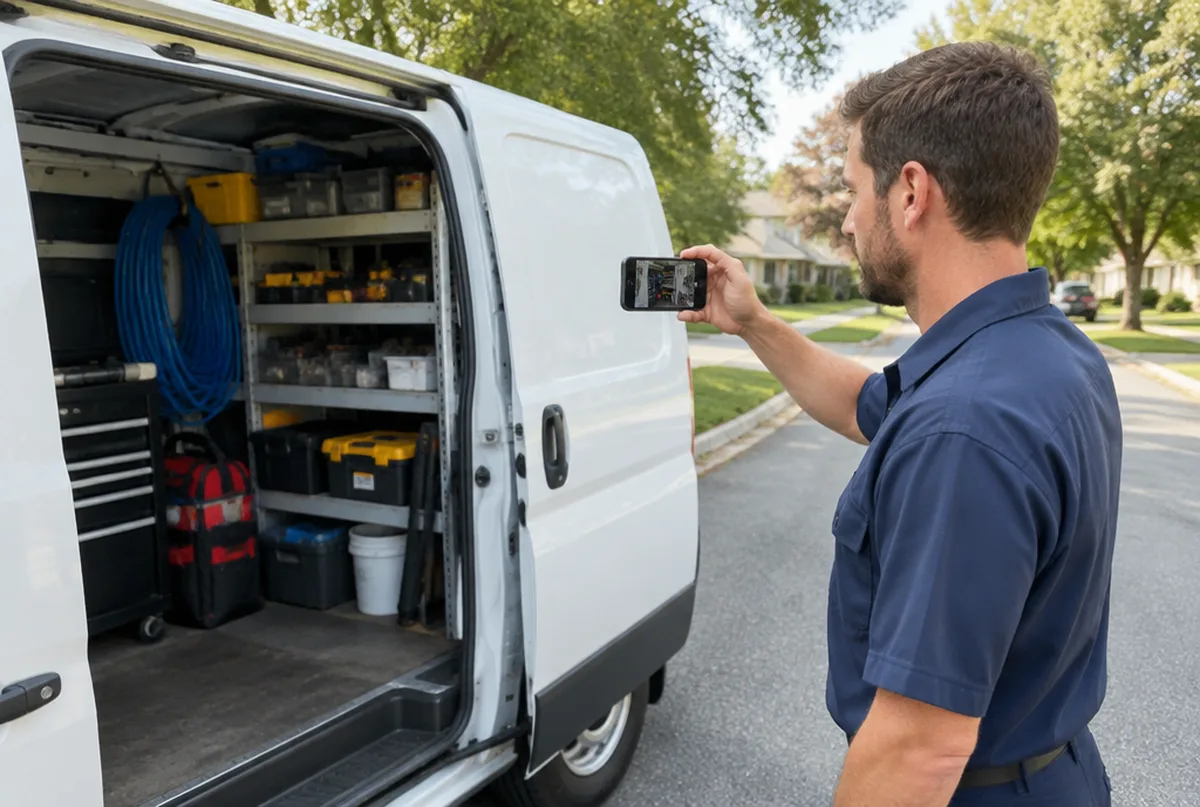
Service businesses: show the vehicle and the tools.
If customers do not visit you, show your work vehicle, your equipment and proof of the business, such as a license or business paperwork, on camera.
What we do: we tell you what to film for your trade, since a locksmith, a mover and a cleaner each need to show different things.
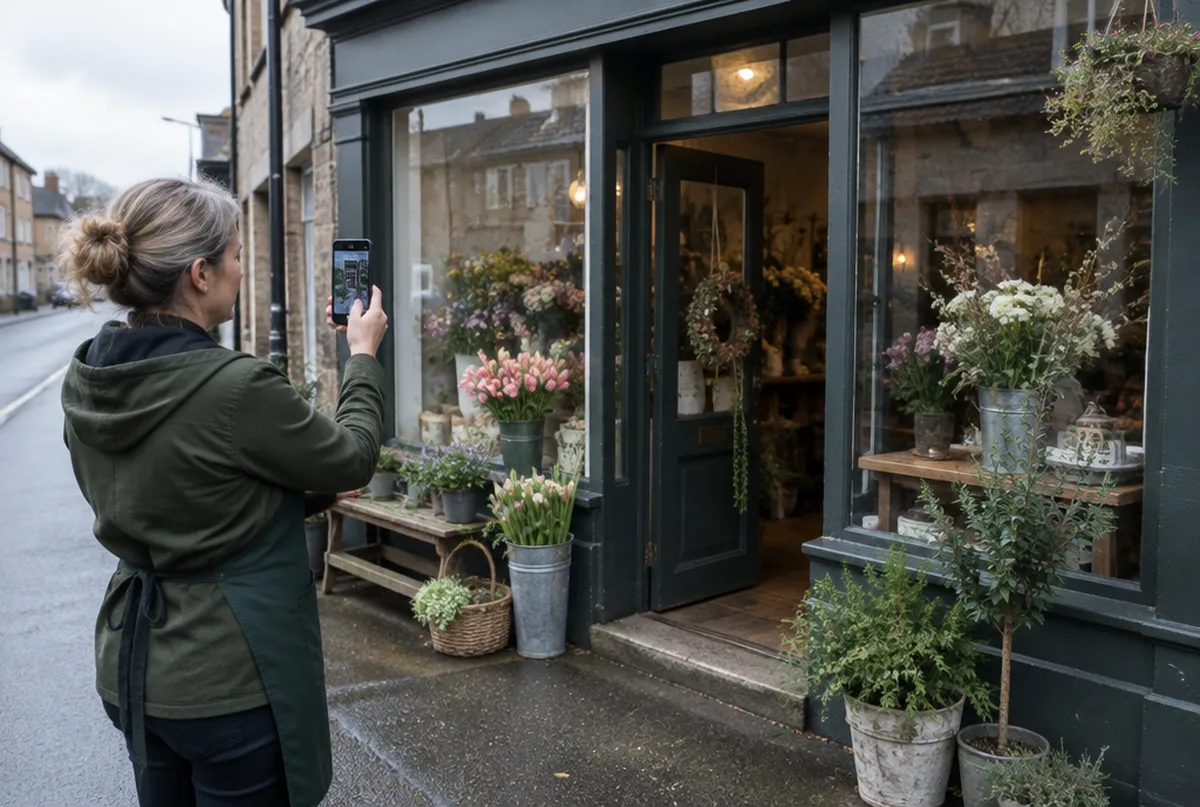
Storefronts: show the outside and the inside.
Start outside with the street and your sign, walk in through the entrance and show the counter or work area. It should be clear the location is open to the public.
What we do: we review your plan for the walk through so it covers what Google wants to see.
Wait without editing.
After you submit, Google reviews the profile, which can take a few days or longer. Editing the name, address or category during review can restart the process.
What we do: we keep the profile untouched while it is in review and check on it for you.
If it is rejected, fix the cause and try again.
A failed verification usually means Google could not confirm the location or the business. Re-recording the same video rarely helps.
What we do: we figure out what was missing, fix the profile details if needed and plan a better second attempt.
Watch for a suspension instead of a rejection.
Sometimes a profile ends up suspended rather than unverified, which needs a reinstatement request instead.
What we do: we tell you which one you are dealing with and handle the right process.
Google Business Profile suspended: what to doBuild the profile out the day it is verified.
A verified profile with one category and no photos still will not show up much. Verification is the start, not the finish.
What we do: we add your services, service area, description, photos and first posts once you are verified, after you approve them.
Google Business Profile optimization checklist
Real verification and setup work
We sign mutual NDAs with our clients, so we describe the work instead of naming the business.
Every business and market is different. We do not promise rankings. We show you the same map every month so you can see what changed.
Why owners trust us with verification
- One business of each type per service area. We will not work for your direct competitor in the same towns.
- Google Business Profiles and Google Maps are what we focus on, not a menu of everything.
- You see the proof: a 49 point map of your area before we start, and the same map every month after.
- Nothing changes on your profile without your written approval, and you stay the owner of it.
- No contract. Stay because it is working.
What you get every month
- A 49 point Google Maps scan of your service area before we start
- Profile fixes: categories, services, description, service area, hours, attributes and booking or quote links
- One post a week plus up to three photos from your work, approved by you
- Suggested replies to new reviews, posted only after you approve
- A weekly profile check that catches changes Google or anyone else makes
- A monthly rescan on the same 49 points, with a plain update on your map, calls and clicks from Google, what we did and what comes next
Pricing comes with your scan. Request your map scan at no cost and we will send your map, a short video walkthrough and pricing together.
Get my map scanMore Google Business Profile guides
Common questions
See where your business shows up once it is verified.
Send us your business and the towns you want customers from. We will run your 49 point map scan and send your map, a short video walkthrough and pricing together.
- 1.We run your map scan and look at your profile and search results.
- 2.You get a short note with what we would fix first.
- 3.If it makes sense, we set it up on a 15 minute call.