How to get Google reviews: 10 ways to get more real reviews from happy customers
Most owners know reviews matter. The hard part is getting customers to actually leave one. Here is how to get more reviews on Google the right way, with the timing, words and habits that work for service businesses, and the shortcuts that can get reviews removed.
- One business of each type per area
- No contract
- Nothing changes without your approval

How to get more reviews on Google: 10 habits, and what we do about each
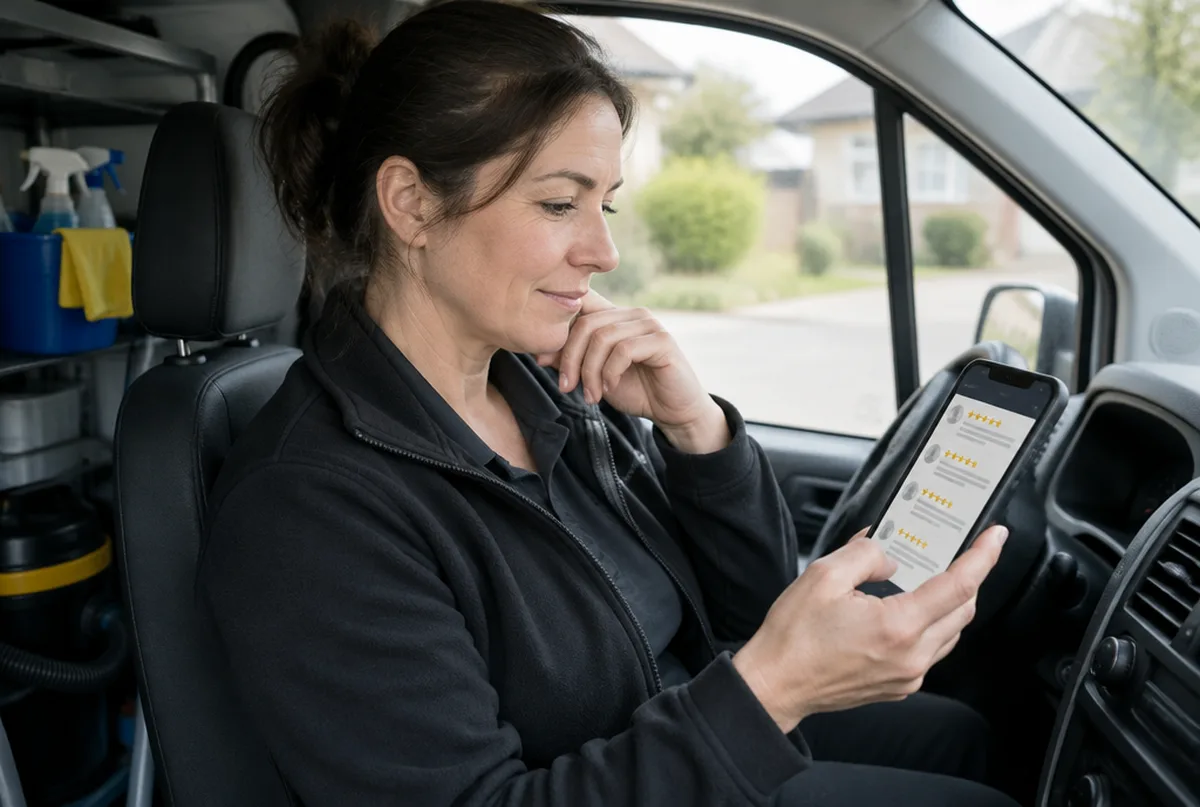
Ask at the moment the customer is happiest.
The best time to ask is right after the job is done and the customer has said thanks, while the work is in front of them. A request that arrives a week later competes with everything else in their day, and many people never get to it.
What we do: we help you pick the exact moment in your job flow to ask, such as the final walkthrough or the payment, and build it into a simple checklist your team can follow.
Ask every customer, not only the ones you think will be kind.
Google's review policy does not allow review gating, which means filtering customers so only happy ones get the request. Sending unhappy customers to a private form while happy ones go to Google breaks that policy and can get reviews removed.
What we do: we set up a request that goes to every customer the same way, so your review flow stays inside Google's rules.
Make it one tap to leave a review.
Every extra step loses people. A direct link or QR code that opens the review box on your profile works far better than telling someone to search for you.
What we do: we make sure your direct review link points to the right profile and fits into your texts, emails and invoices.
How to find and share your Google review linkUse a short script your team can say without thinking.
Something as simple as "If you were happy with today, a quick Google review really helps a small business like ours. I will text you the link." works because it is short and personal. It tells the customer why it matters and what happens next.
What we do: we write a short spoken script and a matching text message in your voice for your team to use on every job.
Send the link by text right after you ask.
Most customers say yes in person and then forget. A text with the link sent within the hour, while they still remember your name, turns many of those yes answers into reviews.
What we do: we draft the text and email templates for your request so the link goes out the same day, from your own phone or system.
Follow up once, then stop.
One polite reminder a few days later catches people who meant to do it. More than that starts to feel like pressure, and a review written under pressure is not the review you want.
What we do: we give you a single follow up message to send a few days after the first request, written to sound like you, not a robot.
Make asking a staff habit, not an owner chore.
If only the owner asks, reviews come in bursts and then stop. When the tech, crew lead or office person asks on every job, the steady flow is what helps your profile look active and trusted over time.
What we do: we help you set a simple routine for your crew, and our monthly update shows how many new reviews came in so you can see if the habit is holding.
Never pay, discount or reward for reviews.
Google's policy does not allow offering money, discounts, gifts or contest entries in exchange for reviews, even when the review would be positive anyway. Reviews tied to rewards, or written by staff, friends or family, can be removed, and a pattern of them can lead to restrictions on your profile.
What we do: we keep your review requests clean, and we will tell you plainly if a review tactic you are using puts your profile at risk.
Let customers use their own phone and their own words.
Reviews posted from a tablet at your counter or written for the customer can look fake to Google's filters and may never show up. You can ask a customer to mention the job you did, but the words should be theirs.
What we do: we suggest asking customers to mention the service and town in their own words, which tends to help both other customers and Google understand what you do.
Reply to every review, good and bad.
Replies show future customers that a real person runs the business and cares how jobs go. Customers who see an owner reply are often more willing to leave a review of their own, and a calm reply to a bad review can matter more than the review itself.
What we do: we suggest a reply to every new review in your voice and post it only after you approve it.
What we have found on real Google profiles
We sign mutual NDAs with our clients, so we describe the work instead of naming the business.
Every business and market is different. We do not promise rankings. We show you the same map every month so you can see what changed.
Why owners hand us their reviews and Google profile
- One business of each type per service area. We will not work for your direct competitor in the same towns.
- Google Business Profiles and Google Maps are what we focus on, not a menu of everything.
- You see the proof: a 49 point map of your area before we start, and the same map every month after.
- Nothing changes on your profile without your written approval, and you stay the owner of it.
- No contract. Stay because it is working.
What you get every month
- A 49 point Google Maps scan of your service area before we start
- Profile fixes: categories, services, description, service area, hours, attributes and booking or quote links
- One post a week plus up to three photos from your work, approved by you
- Suggested replies to new reviews, posted only after you approve
- A weekly profile check that catches changes Google or anyone else makes
- A monthly rescan on the same 49 points, with a plain update on your map, calls and clicks from Google, what we did and what comes next
Pricing comes with your scan. Request your map scan at no cost and we will send your map, a short video walkthrough and pricing together.
Get my map scanMore Google Business Profile guides
Profile setup and fixes
- Google Business Profile optimization
- Google Business Profile verification
- Google Business Profile suspended
- Add your business to Google Maps
- Claim your business on Google
- Service area business on Google
- Duplicate Google Business listing
- Google Business listing changed
- Add a manager to Google Business Profile
- Google Business Profile categories
- Change business address on Google
- Delete Google Business Profile
- Google Business Profile posts
- Google Business Profile photo size
Rankings, Maps and leads
Common questions
See what your reviews are doing on the map.
Send us your business and the towns you want customers from. We will run your 49 point map scan and send your map, a short video walkthrough and pricing together.
- 1.We run your map scan and look at your profile and search results.
- 2.You get a short note with what we would fix first.
- 3.If it makes sense, we set it up on a 15 minute call.